Make Scanned Textbooks and Articles Usable—The Power of Built-In OCR
Originally published on ResearchWize.
Make Scanned Textbooks and Articles Usable—The Power of Built-In OCR
Discover all of ResearchWize’s features to supercharge your academic workflow.
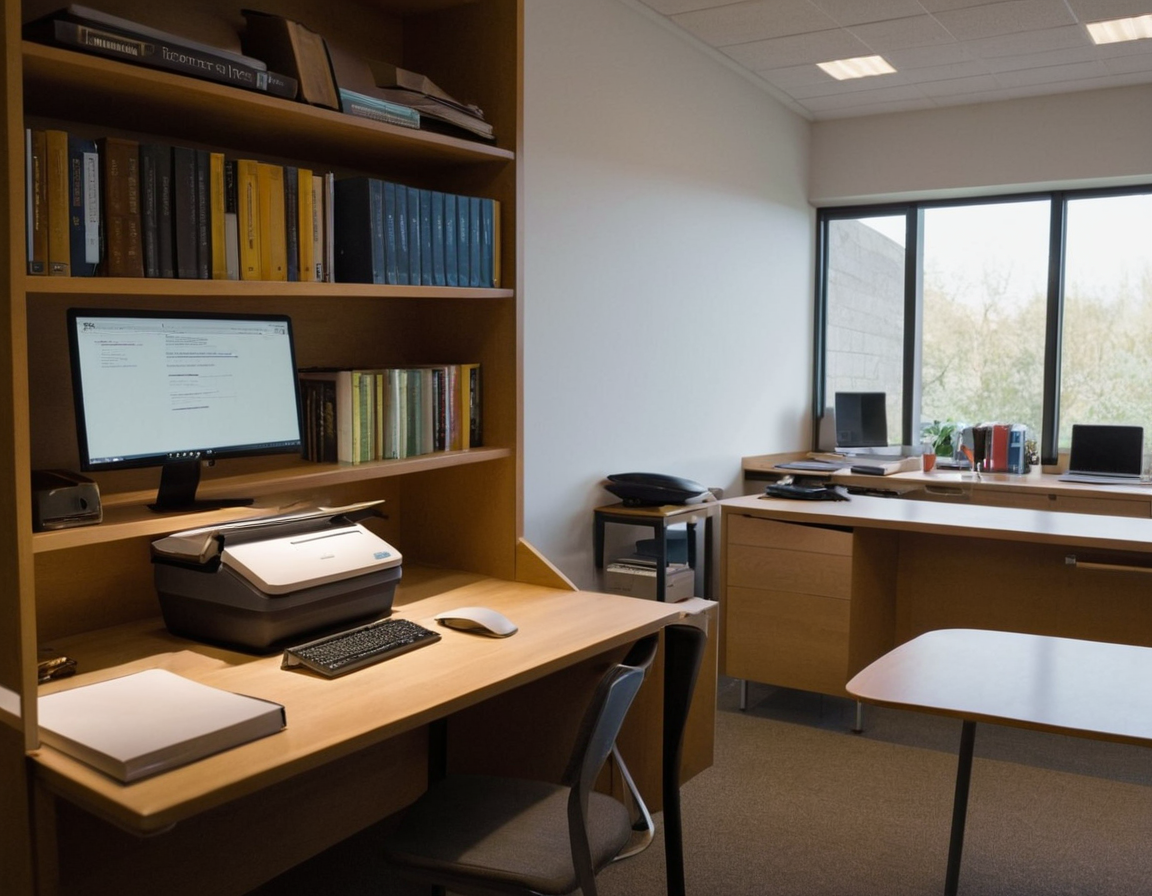
In the digital age, university students are increasingly relying on electronic resources to supplement their studies. Scanned textbooks and articles often provide a convenient way to access a multitude of academic materials. However, these scanned documents can sometimes be cumbersome to use effectively due to their static nature. This is where Optical Character Recognition (OCR) technology comes into play, transforming scanned images into searchable and editable text, thereby enhancing usability and accessibility for students.
Understanding OCR Technology
OCR, or Optical Character Recognition, is a technology that converts various types of documents, such as scanned paper documents, PDFs, or images captured by a digital camera, into editable and searchable data. Built-in OCR means that this technology is integrated directly into the software or device you are using, eliminating the need for additional tools or applications. For university students, this means easier access to information, improved study efficiency, and enhanced productivity.
Why Use Built-In OCR?
Built-in OCR offers several advantages for students:
- Convenience: No need to switch between different applications or upload files to external services.
- Efficiency: Quickly convert scanned documents into text that can be highlighted, annotated, or copied.
- Accessibility: Make documents readable by screen readers, aiding visually impaired students.
- Searchability: Easily search for keywords within documents, saving time during research.
Workflow: Converting Scanned Textbooks and Articles with Built-In OCR
Here’s a simple workflow to help you efficiently use OCR technology with your scanned academic materials:
- Step 1: Scan Your Document
- Use your smartphone or a scanner to create a digital version of your textbook or article.
- Ensure the scan is clear and well-lit to improve OCR accuracy.
- Step 2: Open the Document in an OCR-Enabled App
- Choose software or an app with built-in OCR capabilities. Many PDF readers and note-taking apps include this feature.
- Import your scanned document into the app.
- Step 3: Activate OCR
- Locate the OCR function within the app. This is often found in the tools or edit menu.
- Run the OCR process. This may take a few moments depending on the length of your document.
- Step 4: Review and Edit
- Once OCR is complete, review the text for any errors or formatting issues. OCR is not always perfect, especially with complex layouts or poor-quality scans.
- Edit any mistakes to ensure the text is accurate and useful.
- Step 5: Utilize Your Text
- Now that your document is text-based, you can highlight important sections, add notes, or copy and paste into other documents.
- Use the search function to quickly find specific information.
Common Pitfalls and How to Avoid Them
While OCR technology is highly beneficial, there are some common pitfalls to be aware of:
- Poor Scan Quality: Ensure your scans are clear and free of shadows or glare to improve OCR accuracy.
- Complex Layouts: Documents with complex layouts or mixed content (e.g., images and tables) may result in less accurate OCR. Editing may be necessary.
- Language and Font Issues: Some OCR tools may struggle with unusual fonts or languages other than English. Verify that your tool supports the document’s language and font.
- Security Concerns: When using cloud-based OCR services, be mindful of privacy and data security. Built-in OCR minimizes these risks by processing documents locally.
Practical Applications for Students
Integrating OCR into your study routine can significantly enhance your academic performance. Here are some practical applications:
- Efficient Note-Taking: Convert lecture slides or handouts into editable text for easy note-taking and organization.
- Research Projects: Quickly search through large volumes of scanned research materials to find relevant information.
- Accessibility Improvements: Make materials accessible for text-to-speech software, aiding students with disabilities.
- Collaboration: Share editable text documents with peers for group projects and collaborative study sessions.
Conclusion
Built-in OCR technology is a powerful tool for university students, transforming static scanned documents into dynamic, usable resources. By understanding and utilizing OCR, students can enhance their study efficiency, improve accessibility, and streamline their research processes. As you incorporate OCR into your academic toolkit, you’ll find yourself better equipped to handle the demands of university life with ease and confidence.
- AI Flashcard Generator (Chrome)
- Summarize PDF AI Tool (Chrome)
- Essay Outline Generator (Chrome)
- Best Chrome Summarizer Extension
- Alternatives to ChatPDF
- Chrome Extension for Students
- Install Extension
- See All Features
Ready to Level Up Your Research?
Install ResearchWize and transform how you study, write, and research.
Install ResearchWize Now


Comments
Post a Comment